• November 8, 2026 · Web Design · 5 min read
10 Things Every Small-Business Website Needs to Get Enquiries, Not Just Visitors
A small business website should turn visitors into enquiries. Here are 10 things it needs, from a clear first line to a one-tap WhatsApp button.
Key takeaways
- A small business website earns its place when a visitor can tell what you do, trust you and contact you within seconds.
- Put your phone number, WhatsApp and address where thumbs can reach them on a phone.
- Real photos, reviews and honest price guidance build trust faster than slogans.
- A short form and one clear button per page get more enquiries than a long, busy page.
A small business website gets enquiries when a visitor can tell what you do, trust you and contact you within a few seconds. Ten things make that happen, and none of them needs a big budget. They are mostly about being clear, being easy to reach and being believable.
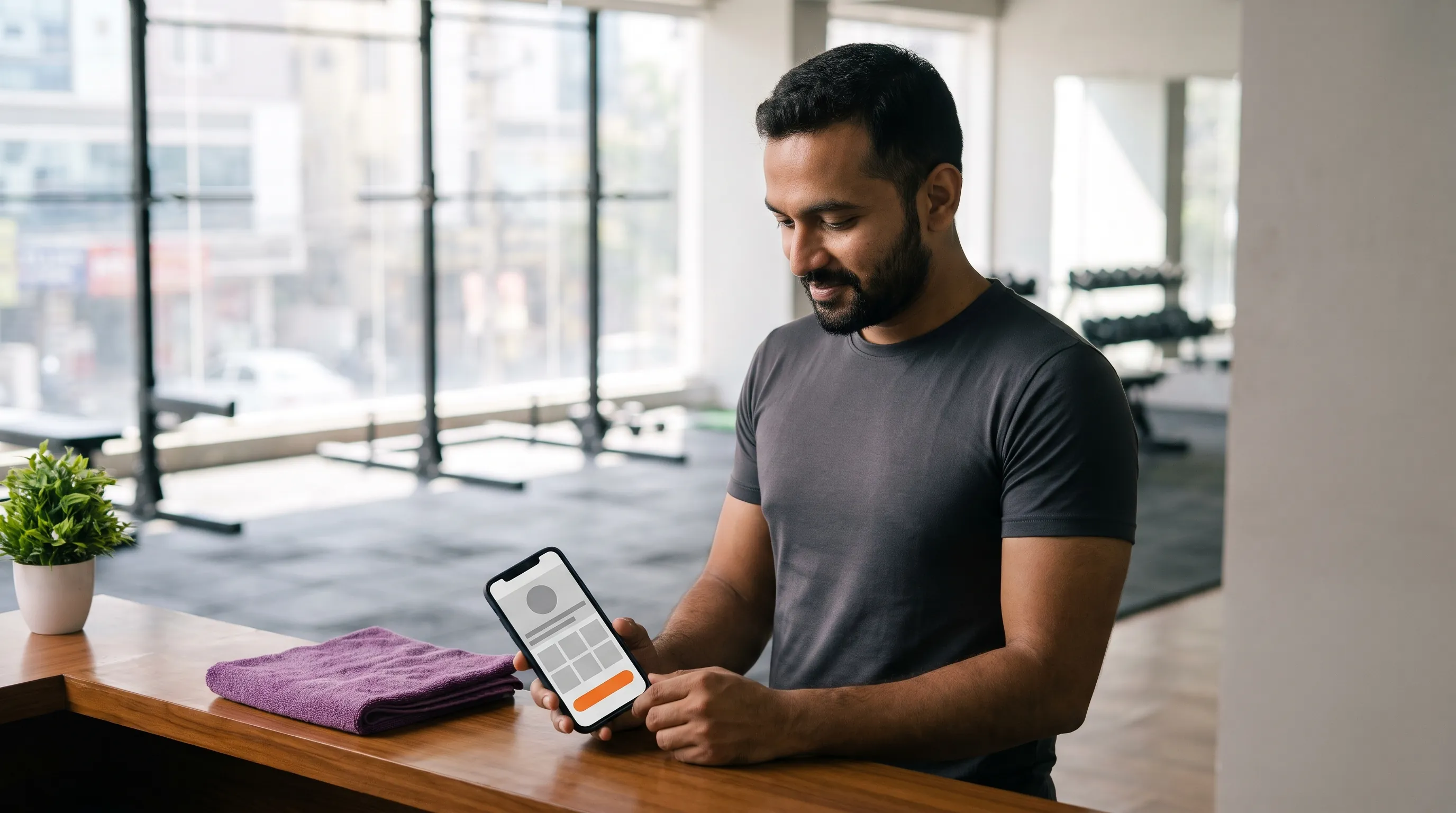
Think of a gym that sells monthly memberships. Someone searches on their phone at night, opens the site and wants three answers: where is it, what does it cost and how do I join. If the site answers those fast, they call or message. If not, they open the next result. The ten points below are built around that moment.
What must your small business website say first?
1. A first line that says what you do and for whom
Skip "Welcome to our website". Write what you offer, where, and who it is for: "Strength training and yoga for working professionals in Karimnagar." A stranger should understand your business before they scroll.
2. Contact details that are always in reach
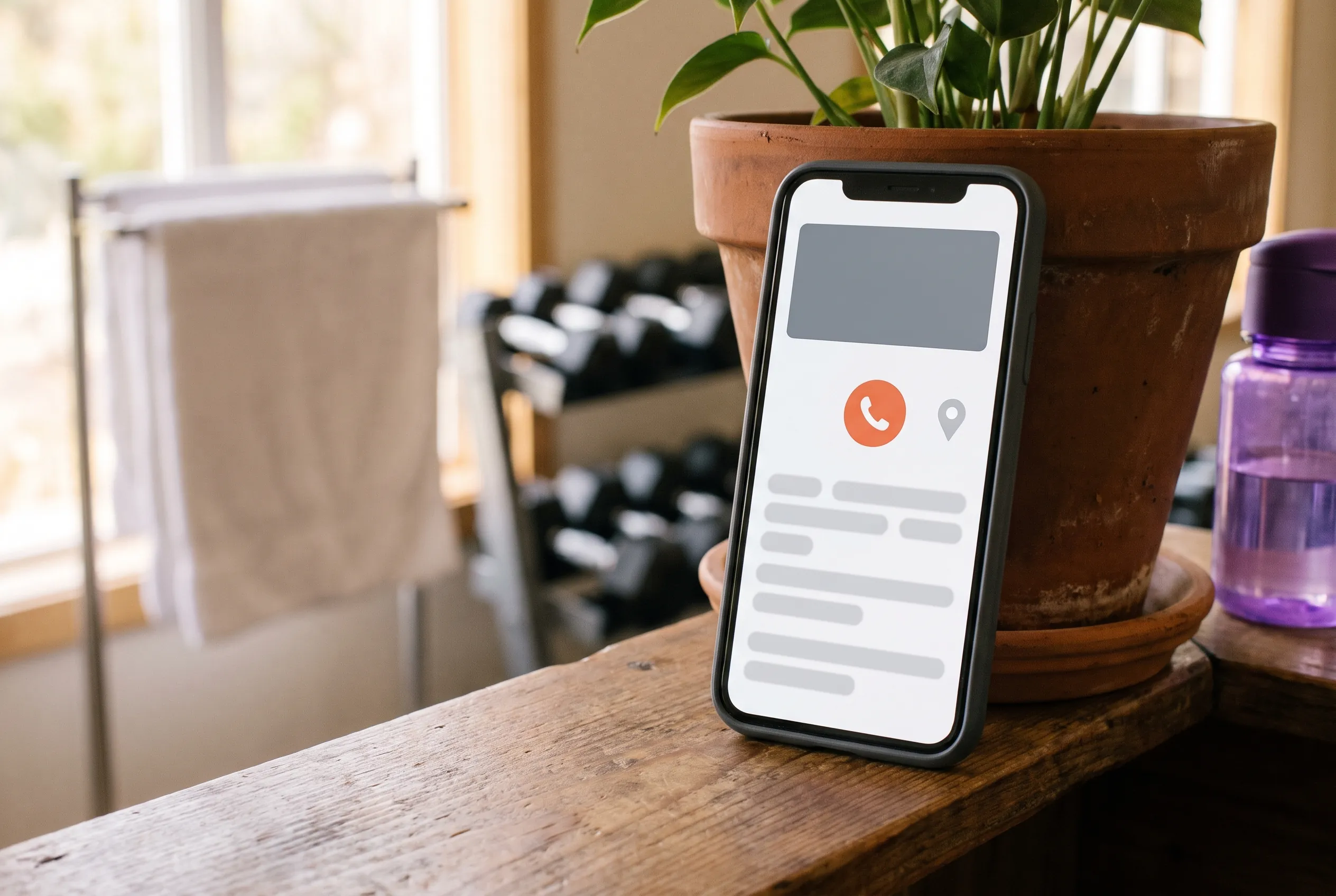
Put your phone number and WhatsApp button at the top and keep them in view as people scroll. On a phone, a tap-to-call button beats a number someone must copy. Place your email in the footer for the people who prefer it.
3. Your address, map and opening hours
Local customers need to know you are real and nearby. Add the full address, a map link and opening hours. Keep them identical to your Google Business Profile, because mismatched details confuse both customers and search engines.
How does a small business website build trust?
4. Real photos of your place, your team and your work
Customers can spot stock photos instantly. Use your own pictures, even if they are taken on a good phone in daylight. One honest photo of your trainers beats five glossy images of strangers.
5. Reviews and the words of real customers
Show two or three genuine reviews with the customer's first name and what they used. Link to your Google reviews so visitors can verify them. Never invent a testimonial.
6. Prices, or at least honest price guidance
Hiding every price makes people suspicious. If you cannot list exact prices, show a starting point or explain how pricing works. It filters out the wrong enquiries and attracts the right ones.
How do you make the next step obvious?
7. One clear button on every page
Decide what you want visitors to do on each page, such as "Book a free trial", and make that the brightest button. Too many choices produce no action. Our post on social media design for local businesses uses the same idea of one clear message per post.
8. A short enquiry form, plus WhatsApp
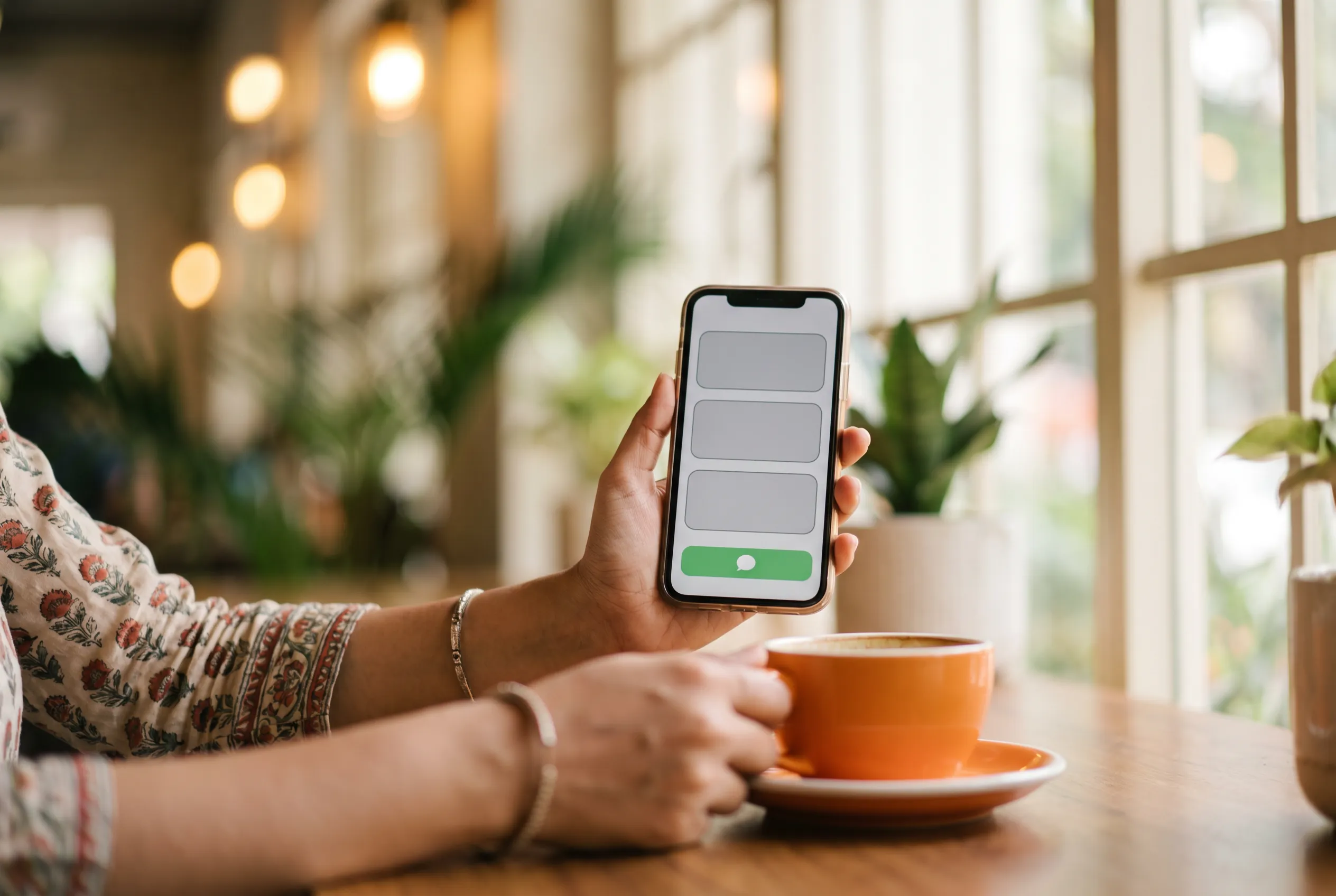
Ask for a name, a phone number and one line about what they need. Every extra field loses people. Many customers in India prefer WhatsApp to forms, so offer both.
What keeps a small business website working over time?
9. Speed and a layout that fits a phone
Most visitors come on phones, often on slow connections. Compress images, keep pages light and test on your own phone. We explain the details in why slow sites lose customers.
10. Basic search setup and a habit of updating
Give each page a clear title and description, add your address and connect your Google Business Profile. Then update the site when offers or timings change. An old timetable is worse than none.
What mistakes keep a small business website from getting enquiries?
Most small-business sites that disappoint make the same handful of mistakes. They are easy to fix once you can see them, so check your own site against this list.
- Talking about yourself, not the customer. "We are a leading provider" says nothing. "Strength training for beginners, Monday to Saturday" answers a question.
- Burying the phone number. If someone must hunt for it, many will not.
- Using a slider that hides the message. Moving banners are easy to miss and slow to load. One strong picture and one line do more.
- Leaving out what happens next. After the form is sent, say when you will reply.
- Never updating. A site that shows last year's offer tells customers you may have closed.
What if you are starting from nothing?
Do not begin with design. Begin with three facts written on paper: what you sell, who it is for and the one thing you want visitors to do. Everything else on the site should support those three lines.
- 01
Write the three facts
What you sell, who it is for, and the action you want.
- 02
Gather real photos and reviews
A morning of photographs and a few messages to happy customers is enough to start.
- 03
Choose a short, clear domain name
Something people can say aloud and spell without help.
- 04
Build the pages that matter
Home, services, about and contact come first.
- 05
Test on your own phone
Call the number, send the form and check the map before you tell anyone.
Setting up a domain, hosting and business email can feel like a maze. Our domain, hosting and business email setup exists so you do not have to work it out alone, and our studio page for Karimnagar businesses shows how we work with local owners.
How do you know your small business website is working?
A small business does not need a dashboard full of charts. It needs a short list of numbers you can check every month in ten minutes. If those numbers rise after you change something, the change helped.
- Calls and WhatsApp messages that mention the site. Ask every new customer how they found you, and write the answer down.
- Form entries. Count them each month, and read what people typed. The words they use are the words to put on your pages.
- Visits to your contact and service pages. Free tools such as Google Search Console show which pages people reach.
- Google Business Profile views. Calls and direction requests there often come before a website visit.
Look for patterns, not single days. A quiet week in a normal month means little, while three months of steady growth means a lot. When a page is visited often but brings no enquiries, that page is where to work next: make its message clearer, its button easier to find or its photos more honest.
Checklist
Check your site against the ten
- A first line that says what you do and for whom
- Phone and WhatsApp in reach on every page
- Address, map and opening hours
- Your own photos
- Real reviews
- Prices or price guidance
- One clear button per page
- A short enquiry form
- Fast and phone-friendly
- Basic search setup, kept up to date
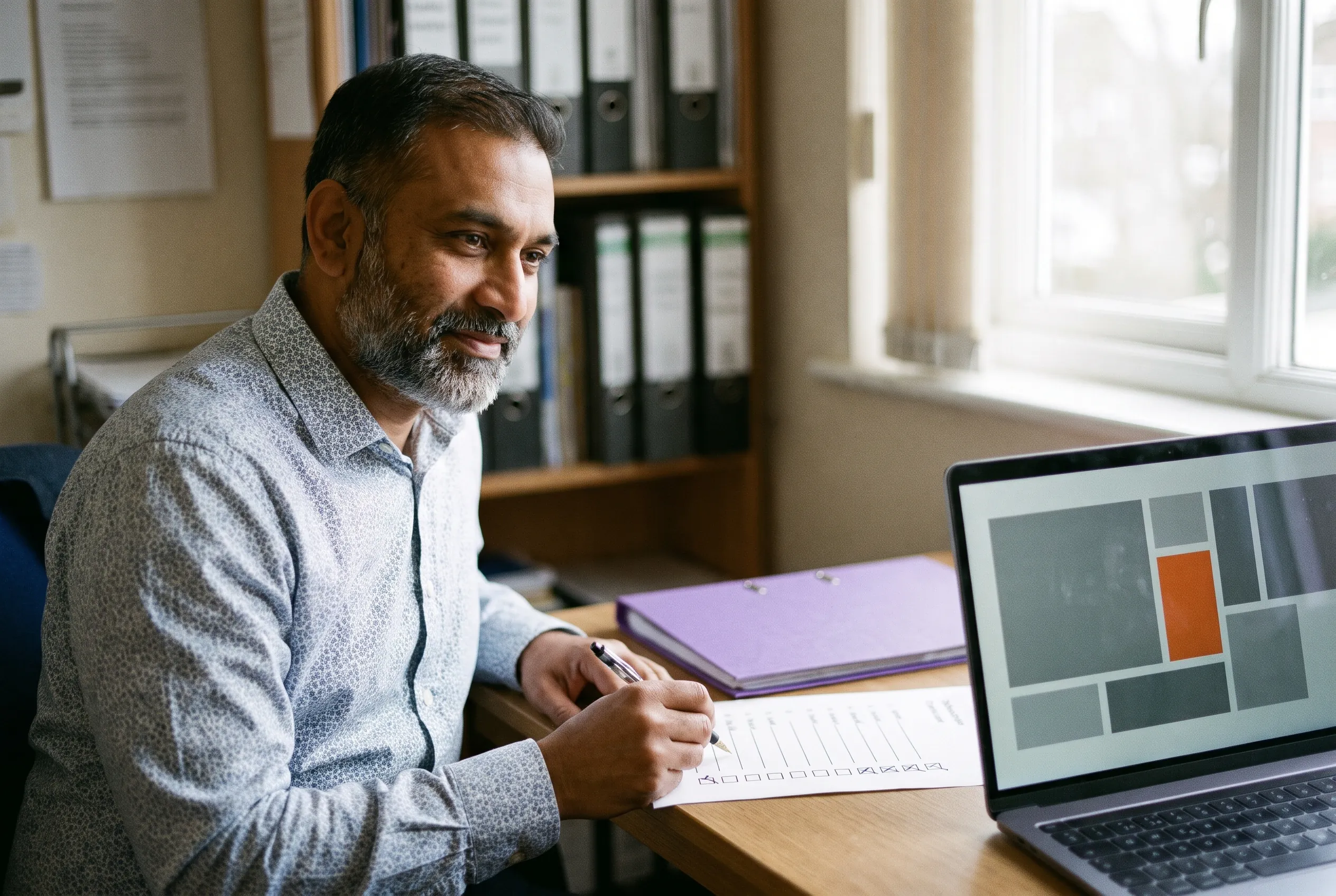
If your current site misses most of this list, a fresh build is often faster than patching. Our business website packages cover these points from the Basic level, and the seven signs you need a redesign will help you decide.
Frequently asked questions
What pages does a small business website need?
Most need a home page, a page for each main service or product, an about page, a contact page with a map, and a page for reviews or work. Start small. You can add a blog, a gallery or an online booking page later as the business grows.
Does a small business website need a blog?
Not at first. A clear home page, service pages and contact details matter more. A blog helps when you can write useful answers to the questions customers ask, and keep posting. A neglected blog with old dates looks worse than none.
Should I add a WhatsApp button to my website?
Yes, for most local businesses in India. Many customers prefer messaging to filling forms, and a tap-to-chat button removes effort. Show it clearly on every page, use your business number and reply quickly, since slow replies waste the enquiry.
How do I know if my website is getting enquiries?
Count them. Note every call, WhatsApp message and form entry that mentions the site, and ask new customers how they found you. Free tools such as Google Search Console and Google Analytics show visits, but the real measure is enquiries.
Tags
- Small business website
- Website enquiries
- Website checklist
- Local business website
- WhatsApp button
- Web design tips

Written by the Newfangled Mind studio
Designers, motion artists and editors in Karimnagar, Telangana: 3,500+ projects for 100+ clients.