• November 9, 2026 · Motion & Video · 5 min read
Motion Graphics Explained: What It Is, Where Businesses Use It and When to Hire a Studio
Motion graphics are animated shapes, text and icons that explain ideas on screen. See where businesses use them and when to hire a motion design studio.
Key takeaways
- Motion graphics are animated text, shapes, icons and charts used to explain an idea, not filmed footage.
- They work best when something is hard to film: a process, an idea, numbers or a product that does not exist yet.
- Cost and time depend on length, style, number of scenes, voice-over and revisions, so brief these early.
- Hire a studio when the video must look consistent, carry your brand and be reused in many places.
Motion graphics are animated graphics: text, shapes, icons, charts and illustrations that move on screen to explain something or make a message easier to remember. Businesses use them for explainer videos, social media ads, titles, charts and product demos. This guide explains what motion graphics are, where they help, and when a studio is worth hiring.
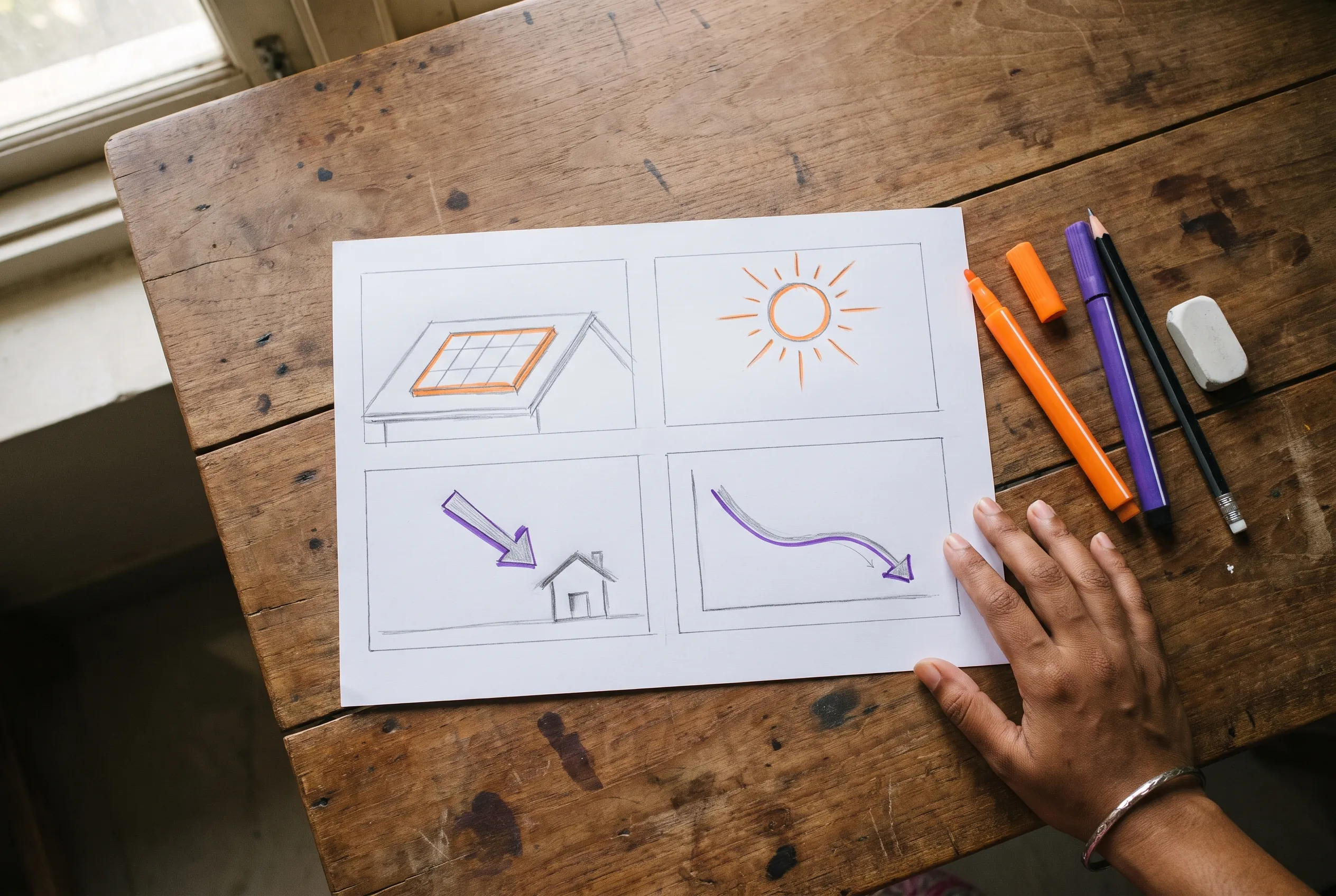
Imagine a rooftop solar installer in Telangana who has to explain, in under a minute, how sunlight becomes electricity and then a lower bill. Filming that is hard. Animating it takes a few clean shapes, a moving arrow and a number that counts down. That is the kind of job where motion graphics do better than a camera.
What are motion graphics, and how are they different from animation and video?
Motion graphics is graphic design that moves. The frames are built from designed elements, not from film of real people. Animation usually tells a story with characters. Video editing arranges filmed footage. Motion design is the wider name many studios use for the craft, and in practice the two terms overlap.
Motion graphics are good at
- Explaining a process or an idea
- Showing numbers and charts clearly
- Titles, lower-third name tags and overlays
- Products or services you cannot film yet
- A look that matches your brand exactly
A camera is better at
- Showing real people and real places
- Building trust through faces and testimonials
- Events and behind-the-scenes moments
- Anything that must feel unscripted
- Showing a product's real size and texture
Most good business videos mix both. Filmed footage builds trust, and motion graphics carry the explanation, the figures and the branding. Our guide to corporate video for a small business shows how the two fit together.
Where businesses use motion graphics
- Explainer videos that show how a service or product works in 45 to 90 seconds.
- Social media posts and ads where a moving headline stops the scroll.
- Titles and lower thirds, the name tags that slide in under a speaker in an interview.
- Data stories: a chart that draws itself so people see the change.
- Course and presentation videos where a diagram builds step by step.
- Event screens and short loops for stage backdrops or shop displays.
The style you choose changes the feel as much as the content. Flat illustration uses simple coloured shapes and suits explainers. Kinetic typography animates the words themselves, which works well for quotes, announcements and sound-off social posts. Infographic style turns figures into charts and icons that build on screen. Isometric views show products, buildings and systems at a slight angle, which helps when you explain how parts fit together. Pick one style and keep it for the whole video.
What goes into a motion graphics video
- 01
Script
The words come first. Every second of picture is planned to match them.
- 02
Storyboard
Rough drawings of each scene so you can approve the idea cheaply.
- 03
Style frames
A few finished stills that fix the colours, type and look before animating.
- 04
Animation
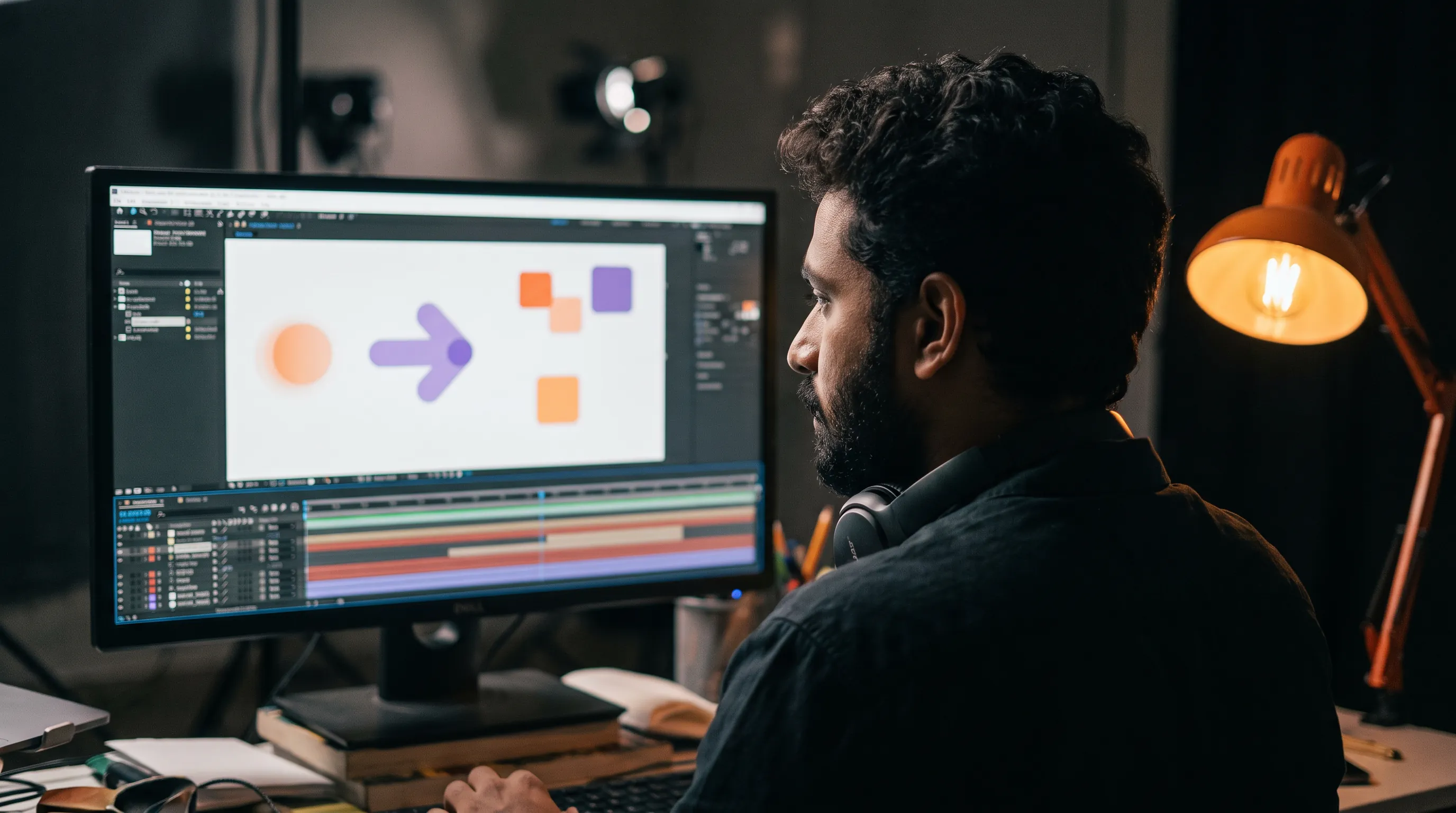
Designers build the movement in tools such as Adobe After Effects.
- 05
Sound
Voice-over, music and small sound effects that make movement feel real.
- 06
Exports
Versions for each place it will play: wide, vertical, square, short and long.
The step people skip is the storyboard, and it is the one that saves money. A change on paper takes minutes. The same change after animation can mean rebuilding scenes. Agree the storyboard and style frames first, and the rest of the project runs smoothly.
Plan for languages before the animation starts. If the video will run in English, Telugu and Hindi, ask the designer to keep every piece of text editable and to leave room around it, because the same sentence can be much longer in another language. A video built this way can be translated in a day. One built with text baked into the pictures has to be redrawn.
What decides the price and the time
Five things move the cost of motion graphics: the length of the video, the number of different scenes, how detailed the illustration style is, whether there is a voice-over, and how many revision rounds you need. Three-dimensional effects and custom illustration add time. A clean flat style with simple movement is usually quicker.
At our studio every service lists its packages, from Basic to Luxury, with what you get, the number of revisions and the turnaround, and the quote is custom. Our video and motion design page lists them, and the pricing page explains how a quote works.
Template tools or a studio?
Online template tools are fine for a quick social post. They struggle when you need your exact brand colours and type, a custom idea, or a set of videos that all look related. A studio designs the look once, then reuses it, so your tenth video feels like the first.
Hire a studio when the video will be seen by many people, when it must carry your brand, or when you will make a series. Do it yourself when the job is short-lived and nobody will compare it with your other work.
Common motion graphics mistakes to avoid
- Too much happening at once. If three things move together, the eye follows none of them. Animate one idea at a time.
- Text that disappears too fast. A line should stay on screen long enough to be read twice.
- Effects for their own sake. Every movement should explain something or guide the eye. If it does neither, remove it.
- Ignoring the sound-off viewer. Add captions or on-screen text, because many people watch without sound.
- Making one long video for every use. Plan short cut-downs for social media from the start.
Most of these come down to restraint. A calm, well-timed video of 60 seconds often does more than a busy one of two minutes, and it costs less to make and to change.
How to brief a motion graphics project
Checklist
Tell the studio
- The one thing viewers should understand or do
- Who the viewers are and where they will watch
- Length you have in mind, and the longest you would accept
- Your brand colours, fonts and logo files
- Two or three videos you like, and what you like about them
- Whether you need voice-over, and in which language
- The date you need it by
Frequently asked questions
What is the difference between motion graphics and motion design?
In everyday use they mean almost the same thing. Motion graphics usually describes the finished animated graphics, and motion design describes the craft and planning behind them, including type, colour, timing and sound. If you search for either, you will find the same kind of studio and the same kind of work.
How long should a motion graphics explainer be?
Most business explainers work well between 45 and 90 seconds, because they are long enough to explain one idea and short enough to finish. If you have more to say, make several short videos. One video per idea is easier to share and easier to reuse on your website and social media.
Do I need a voice-over?
Not always. A voice-over helps when the idea is complex or when your audience prefers listening. On social media, short text on screen with music often works better because many people watch without sound. Decide this early, because it changes the script, the timing and the number of languages.
Can motion graphics be reused for different platforms?
Yes, if they are planned that way. Ask for wide, vertical and square versions, and shorter cut-downs of the same video. Planning the layout so key elements stay central makes cropping safe, and it costs far less than making each version from scratch.
Tags
- Motion graphics
- Motion design
- Explainer video
- Animation
- After Effects
- Business video

Written by the Newfangled Mind studio
Designers, motion artists and editors in Karimnagar, Telangana: 3,500+ projects for 100+ clients.